> ## Documentation Index
> Fetch the complete documentation index at: https://velt-mintlify-e6426361.mintlify.site/llms.txt
> Use this file to discover all available pages before exploring further.

# Comments

> Add in-context comments, replies, mentions, and annotations to any app with support for freestyle pins, area comments, inline text, and more UX patterns.

<Tabs>
  <Tab title="Freestyle">
    With `Freestyle` comments, you can pin `Comments` on any elements on the page or draw area comments.

    [Open in larger window](https://demo-examples.vercel.app/async/comments/area-comments?background=000\&theme=dark)    
    [View Setup for Freestyle Comments](/async-collaboration/comments/setup/freestyle)

    <Frame>
      <iframe src="https://demo-examples.vercel.app/async/comments/area-comments?background=000&theme=dark" allow="camera; microphone" scrolling="no" frameBorder="0" height="500px" className="w-full" />
    </Frame>
  </Tab>

  <Tab title="Popover">
    With `Popover` comments, you can add `Comments` on table cells, like in Google Sheets.

    [Open in larger window](https://demo-examples.vercel.app/async/comments/popover-comments?background=000\&theme=dark)    
    [View Setup for Popover Comments](/async-collaboration/comments/setup/popover)

    <Frame>
      <iframe src="https://demo-examples.vercel.app/async/comments/popover-comments?background=000&theme=dark" allow="camera; microphone" scrolling="no" frameBorder="0" className="w-full" height="500px" />
    </Frame>
  </Tab>

  <Tab title="Stream">
    With `Stream` mode, your `Comments` will appear in a column on the right side.

    [Open in larger window](https://demo-examples.vercel.app/async/comments/stream-comments?background=000\&theme=dark)    
    [View Setup for Stream Comments](/async-collaboration/comments/setup/stream)

    <Frame>
      <iframe src="https://demo-examples.vercel.app/async/comments/stream-comments?background=000&theme=dark" allow="camera; microphone" frameBorder="0" height="500px" className="w-full" />
    </Frame>
  </Tab>

  <Tab title="Text">
    With `Text` comments, you can leave `Comments` as text highlights.

    [Open in larger window](https://demo-examples.vercel.app/async/comments/text-comments?background=000\&theme=dark)    
    [View Setup for Text Comments](/async-collaboration/comments/setup/text)

    <Frame>
      <iframe src="https://demo-examples.vercel.app/async/comments/text-comments?background=000&theme=dark" allow="camera; microphone" scrolling="no" frameBorder="0" height="500px" className="w-full" />
    </Frame>
  </Tab>

  <Tab title="Tiptap">
    Add comments to your Tiptap editor.

    [Open in larger window](https://documentation-app-demo.vercel.app/?focused=true)    
    [View Setup for Tiptap Comments](/async-collaboration/comments/setup/tiptap)

    <Frame>
      <iframe src="https://documentation-app-demo.vercel.app/?focused=true" allow="camera; microphone" scrolling="no" frameBorder="0" height="500px" className="w-full" />
    </Frame>
  </Tab>

  <Tab title="Inline">
    With `Inline` comments, you can add a more traditional style of comments.

    [Open in larger window](https://demo-examples.vercel.app/async/comments/inline-comments?background=000\&theme=dark)    
    [View Setup for Inline Comments](/async-collaboration/comments/setup/inline-comments)

    <Frame>
      <iframe src="https://demo-examples.vercel.app/async/comments/inline-comments?background=000&theme=dark" allow="camera; microphone" scrolling="no" frameBorder="0" height="500px" className="w-full" />
    </Frame>
  </Tab>

  <Tab title="Page">
    With `Page` comments, you can leave `Comments` at the page level.

    [Open in larger window](https://demo-examples.vercel.app/async/comments/page-comments?background=000\&theme=dark)    
    [View Setup for Page Comments](/async-collaboration/comments/setup/page)

    <Frame>
      <iframe src="https://demo-examples.vercel.app/async/comments/page-comments?background=000&theme=dark" allow="camera; microphone" scrolling="no" frameBorder="0" height="500px" className="w-full" />
    </Frame>
  </Tab>

  <Tab title="Chart">
    With `Chart` comments, you can leave `Comments` on popular charting libraries.

    [Open in larger window](https://analytics-chartjs-demo.vercel.app/?focused=true)    
    [View Setup for Chart Comments](/async-collaboration/comments/setup/chart-comments-setup/highcharts)

    <Frame>
      <iframe src="https://analytics-chartjs-demo.vercel.app/?focused=true" allow="camera; microphone" scrolling="no" frameBorder="0" className="w-full" height="700px" />
    </Frame>
  </Tab>

  <Tab title="Video">
    With `Video` comments, you can leave frame by frame `Comments` on videos.

    [Open in larger window](https://demo-examples.vercel.app/async/comments/video-comments?background=000000\&theme=dark)    
    [View Setup for Video Comments](/async-collaboration/comments/setup/video-player-setup/video-player-setup)

    <Frame>
      <iframe src="https://demo-examples.vercel.app/async/comments/video-comments?background=000000&theme=dark" allow="camera; microphone" scrolling="no" frameBorder="0" className="w-full" height="510px" />
    </Frame>
  </Tab>

  <Tab title="Lottie">
    With `Lottie` comments, you can leave frame by frame `Comments` on Lottie animations.

    [Open in larger window](https://demo-examples.vercel.app/async/comments/lottie-comments?background=1A1A1A\&theme=dark)     
    [View Setup for Lottie Comments](/async-collaboration/comments/setup/lottie-player-setup)

    <Frame>
      <iframe src="https://demo-examples.vercel.app/async/comments/lottie-comments?background=1A1A1A&theme=dark" allow="camera; microphone" scrolling="no" frameBorder="0" className="w-full" height="700px" />
    </Frame>
  </Tab>
</Tabs>

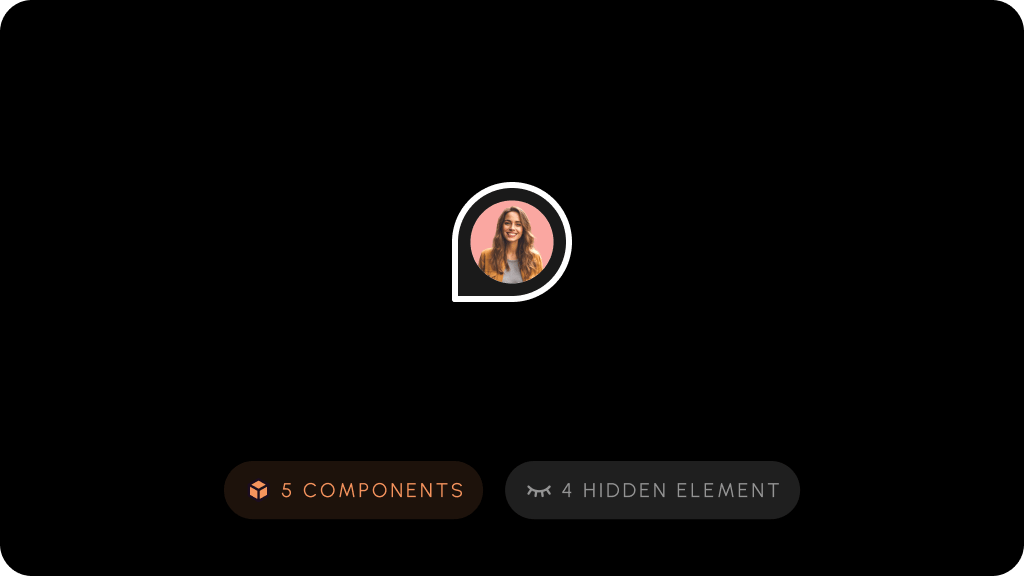
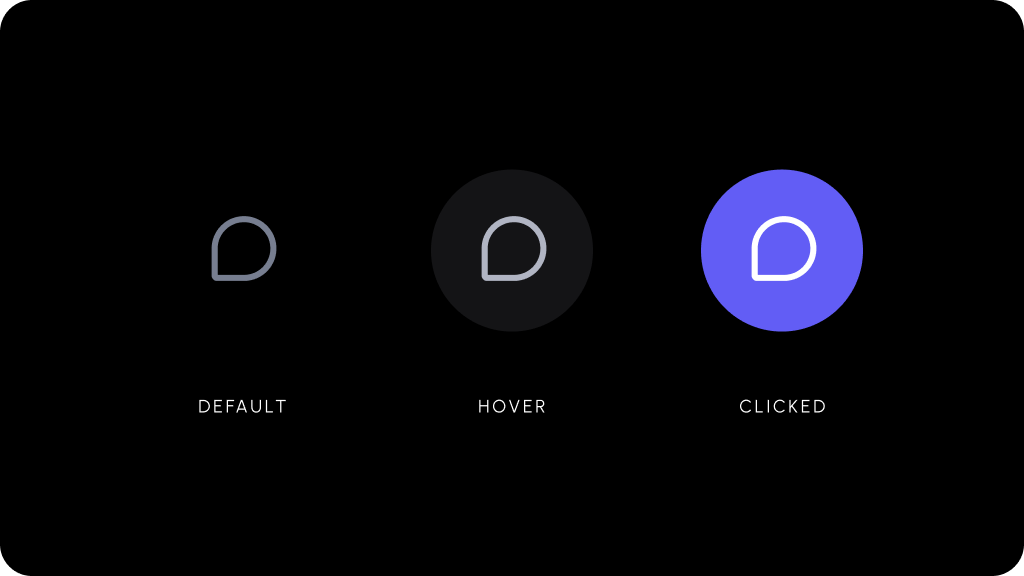
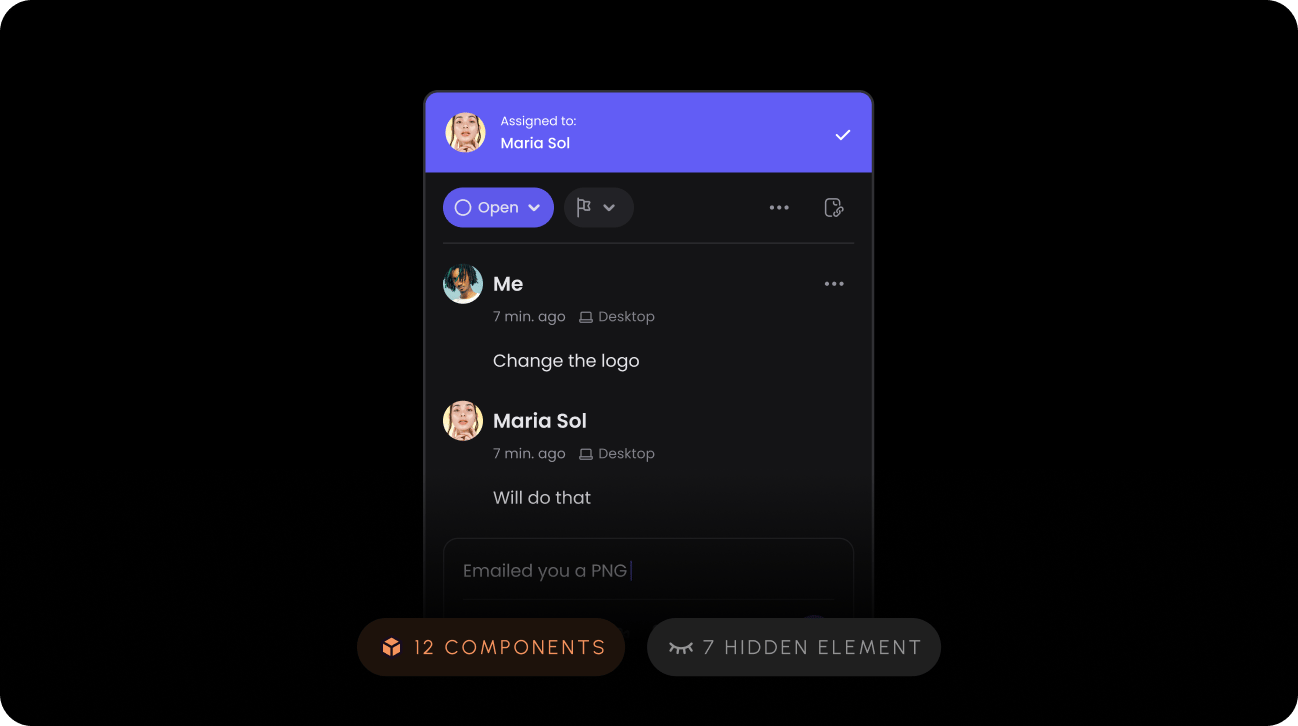
There are several customizable components that work as part of the `Comments` feature set.
<Tabs>
  <Tab title="Comment Dialog">
    <Frame>
      <img src="https://mintcdn.com/velt-mintlify-e6426361/WBhVO6ET7Bo1kl3p/images/customization/velt-comment-dialog-1.png?fit=max&auto=format&n=WBhVO6ET7Bo1kl3p&q=85&s=34cf2959b89c294376850ce34203a6cb" alt="" width="1298" height="726" data-path="images/customization/velt-comment-dialog-1.png" />
    </Frame>
  </Tab>

  <Tab title="Comment Pin">
    <Frame>
      <img src="https://mintcdn.com/velt-mintlify-e6426361/WBhVO6ET7Bo1kl3p/images/customization/velt-comment-pin-1.png?fit=max&auto=format&n=WBhVO6ET7Bo1kl3p&q=85&s=68f0c8caffeac20e3bb50b657ac51197" alt="" width="1024" height="576" data-path="images/customization/velt-comment-pin-1.png" />
    </Frame>
  </Tab>

  <Tab title="Text Comment Tool">
    <Frame>
      <img src="https://mintcdn.com/velt-mintlify-e6426361/WBhVO6ET7Bo1kl3p/images/customization/velt-text-comment-1.png?fit=max&auto=format&n=WBhVO6ET7Bo1kl3p&q=85&s=22881a406d9ef8378e6cbae764c8cbf2" alt="" width="1024" height="576" data-path="images/customization/velt-text-comment-1.png" />
    </Frame>
  </Tab>

  <Tab title="Comment Tool">
    <Frame>
      <img src="https://mintcdn.com/velt-mintlify-e6426361/WBhVO6ET7Bo1kl3p/images/customization/velt-comment-tool-1.png?fit=max&auto=format&n=WBhVO6ET7Bo1kl3p&q=85&s=c0092f99eee4ce5de69f5a86b8a1405a" alt="" width="1024" height="576" data-path="images/customization/velt-comment-tool-1.png" />
    </Frame>
  </Tab>
</Tabs>